December 23, 2024
Animations in web design are like the spices in a recipe—they can transform a bland dish into something unforgettable or completely ruin it if overdone. Thoughtfully used animations can enhance user experience, draw attention to key elements, and make your website stand out. But too much animation or poorly executed effects can lead to cluttered and slow-loading websites.
In this guide, we’ll explore the impact of animations in web design, their benefits, and essential dos and don’ts to ensure your site stays engaging and user-friendly.
Why Animations Matter in Web Design
Enhancing User Experience
Animations provide visual feedback, making interactions intuitive. For instance, a subtle hover effect on buttons helps users understand they’re clickable.
Grabbing Attention
Animations can highlight essential content like calls to action, ensuring users don’t miss the important stuff.
Guiding Navigation
Transition animations between pages or sections can make navigation smoother and more enjoyable.
For insights on balancing creativity and usability, explore the principles of minimalism in web design.
Types of Web Animations and Their Uses
1. Micro-Interactions
Small animations like button clicks, toggles, or hover effects enhance interactivity without overwhelming the design.
2. Loading Animations
Used to entertain or inform users while the site or content loads, keeping them engaged during delays.
3. Scroll Animations
Effects triggered as users scroll, such as fading in content, create an engaging experience.
4. Background Animations
Animated backgrounds, when subtle, can add depth and a dynamic feel to the site.
The Do’s of Animations in Web Design
1. Keep It Purposeful
Every animation should serve a clear purpose, whether it’s to guide users, improve usability, or enhance aesthetics. Random animations can confuse users.
2. Focus on Simplicity
Simplicity in animation aligns well with minimalist web design, creating an uncluttered and functional user interface. Learn more about maintaining simplicity in minimalist web design.
3. Prioritize Performance
Optimize animations to prevent lag, especially on mobile devices. Lightweight animations ensure faster load times and a smoother experience.
4. Test for Accessibility
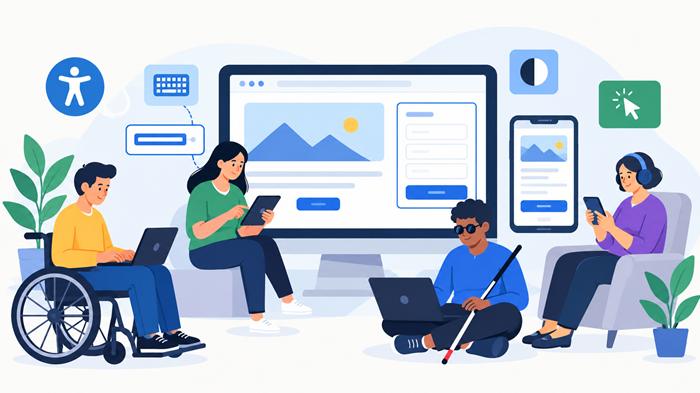
Ensure animations are inclusive by offering options to disable or reduce motion for users sensitive to animations.
5. Use Animations to Tell a Story
A well-placed animation can guide users through your narrative, drawing attention to key moments and keeping them engaged.
The Don’ts of Animations in Web Design
1. Avoid Overloading
Too many animations can slow down your site and overwhelm users. Balance is key.
2. Don’t Overuse Flashy Effects
Flashy, fast-moving animations might grab attention but can also distract or irritate users.
3. Don’t Neglect Mobile Responsiveness
Mobile users often experience different screen sizes and slower internet connections. Test your animations on various devices.
4. Avoid Long Load Times
Animations should load quickly. If an effect takes too long to appear, users might leave the site.
For professional assistance in web design, consider these signs you need a professional web design company.
Should You Hire a Professional for Animations?
Creating high-quality animations requires expertise in tools, frameworks, and user experience. While freelancers may offer lower costs, a professional web design agency might be a better choice for complex or large-scale projects.
If you’re on a budget, it’s important to research how much professionals typically charge. Learn about website designers’ hourly rates to make an informed decision.
Examples of Effective Web Animations
1. Google’s Material Design
Subtle animations in Material Design enhance usability while maintaining simplicity.
2. Apple’s Website
Apple uses scroll animations to highlight product features effectively, creating an immersive browsing experience.
3. Airbnb
Animations on Airbnb’s platform are functional, drawing users’ attention to navigation and bookings.
Conclusion
Animations are powerful tools in web design, but only when used strategically. They can elevate user experience, guide navigation, and make your site memorable. However, overusing animations or failing to optimize them can lead to poor performance and a cluttered interface.
By following the dos and don’ts outlined here, you can harness the full potential of animations while avoiding common pitfalls.